
DREAMS OS · Software foundation
Put the clinical picture in front of the team.
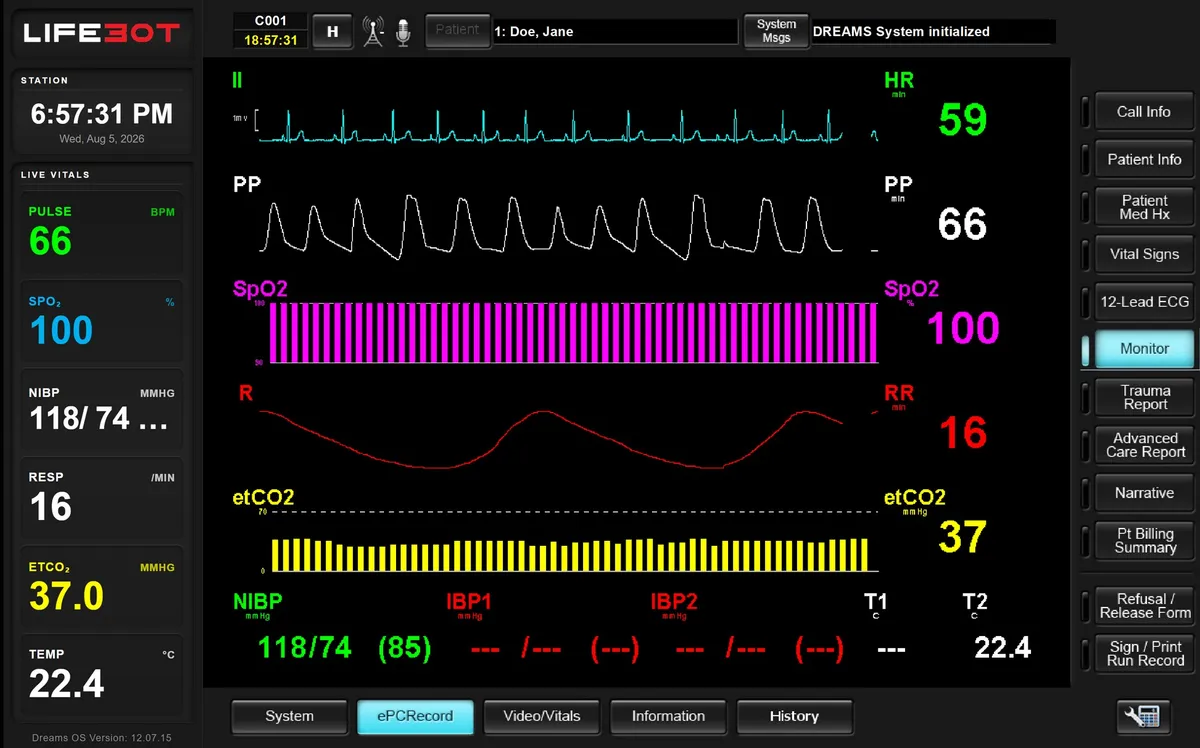
DREAMS (Disaster Relief and Emergency Medical Services) is the clinical application environment on the selected Windows host. Link and Core support patient-side work, Command supports remote clinical participation and Matrix supports received-record review. Enabled functions follow the role and configuration.
What it does
Clinical application environment.
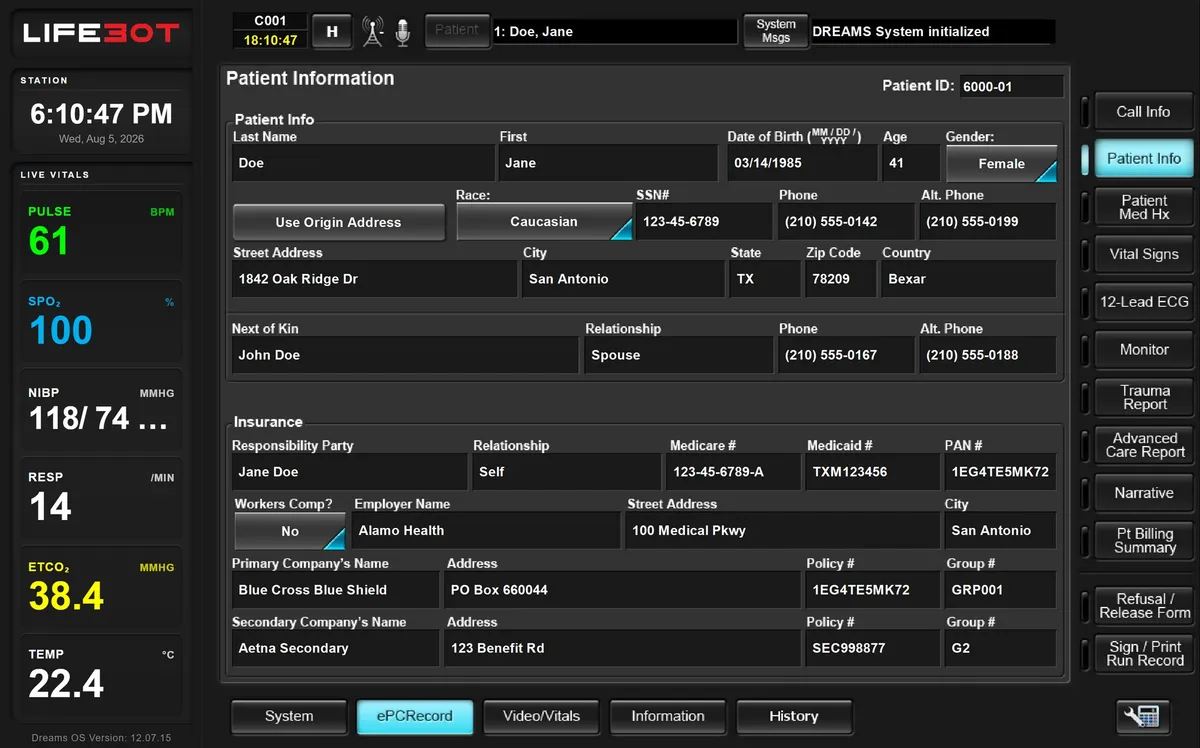
- Call details, patient identity, history and observations
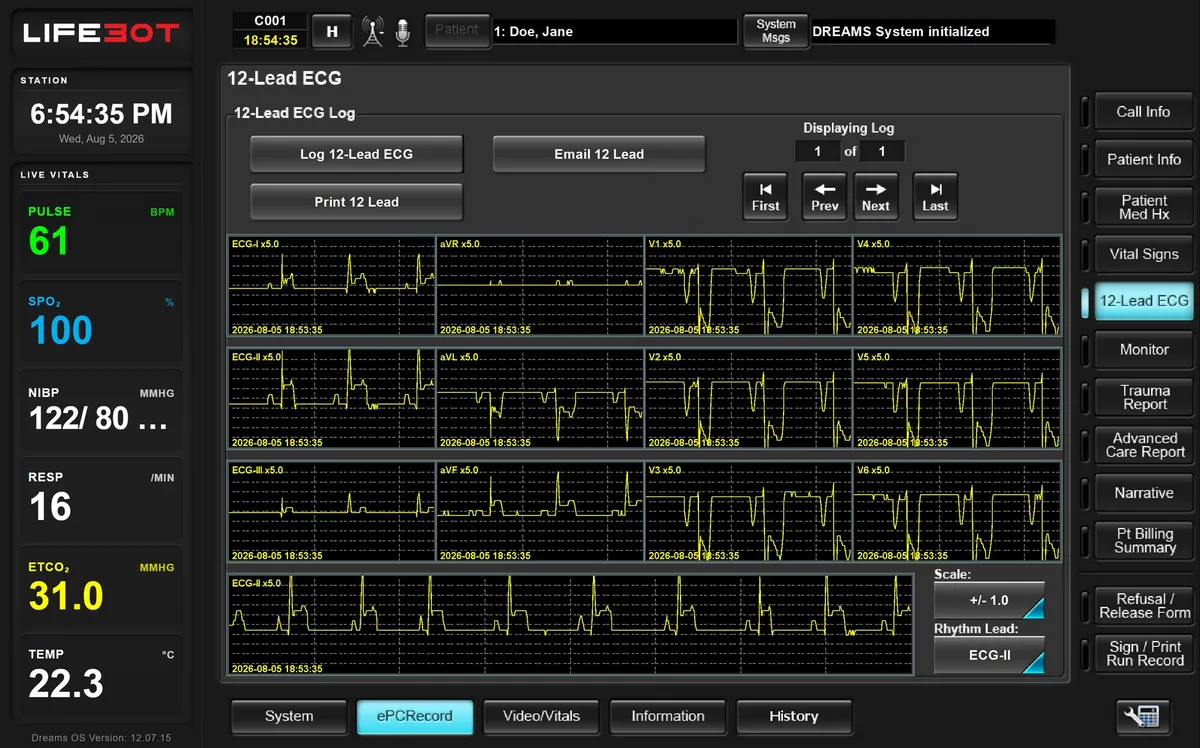
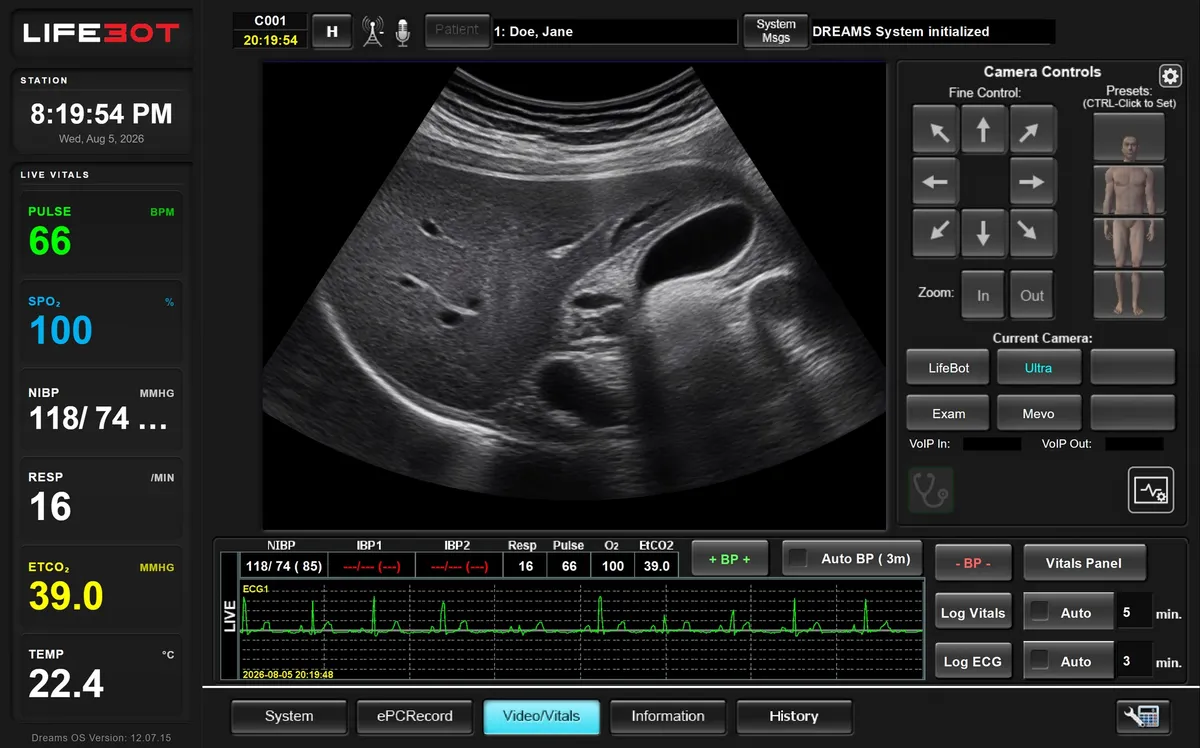
- Monitoring, ECG, examination media and clinical audio
- Consultation, camera views, telestration and messaging
- Care forms, narrative, signatures and record output
Human-directed, role-based work
Patient-side personnel remain responsible for direct care, while the remote clinician contributes through the organisation’s consultation model. DREAMS does not perform autonomous diagnosis or treatment.
Version and configuration
DREAMS 12.07.15, Build 3 is the source designation for the current collection. The installed version and enabled functions are confirmed for each delivered configuration.
In the software
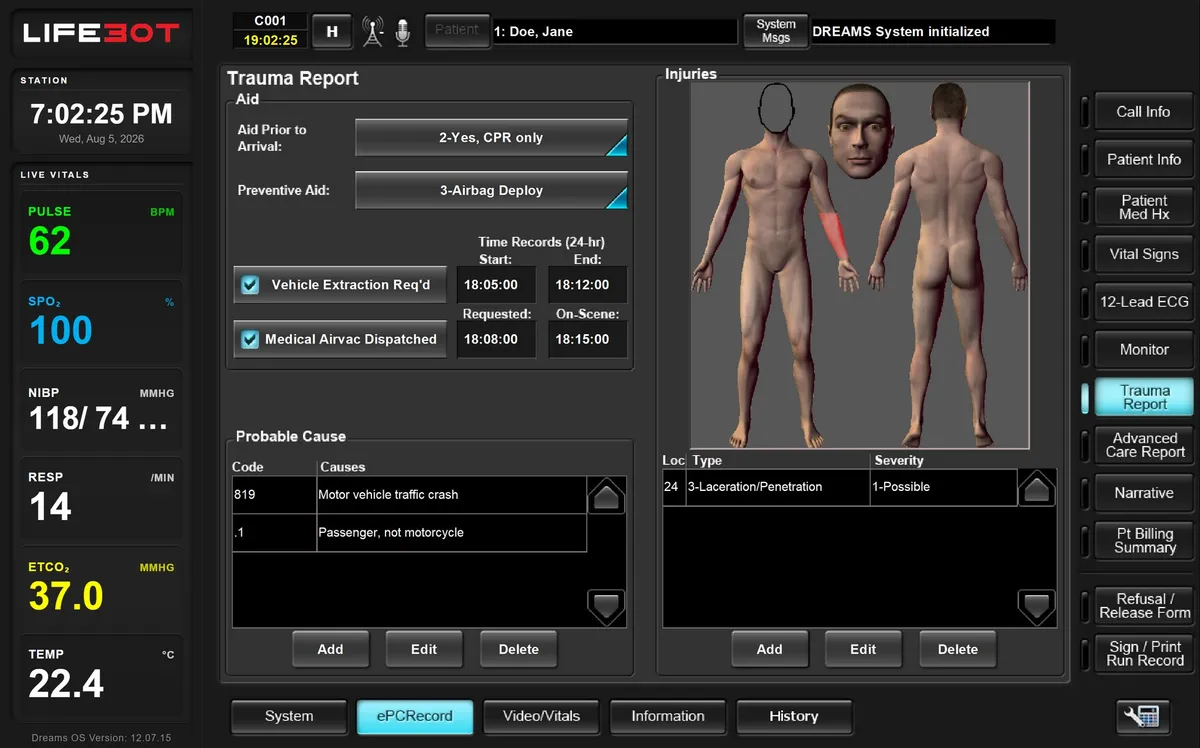
Demonstration views.
Authorised demonstration artwork with sample data. Historical screen labels do not identify a current installation.
Configuration
One encounter, several clinical views
Every delivered configuration is specified for the customer. These are the choices we work through with you.
| View | What it supports |
|---|---|
| Establish context | Patient demographics and call information: unit, location, incident and timing |
| Physiology | Selected monitoring feed, retained ECG studies and vital-sign logs |
| Consultation | Scene camera, examination and ultrasound sources, camera control and telestration |
| Documentation | Structured care forms, trauma findings, narrative, signatures and record output |
In your demo
What we will show you.
- Patient and call context
- Monitoring and ECG review
- Consultation tools
- Documentation and record output
Request a demo
See the complete encounter, live.
Book a demonstration with sample data: patient-side work, the remote clinician joining, local work during an outage and the record arriving. Online, on site in Türkiye or at ICMM 2026.